
Coffee Machine Care
Keurig Supreme Descale Light Reset Guide
Oct
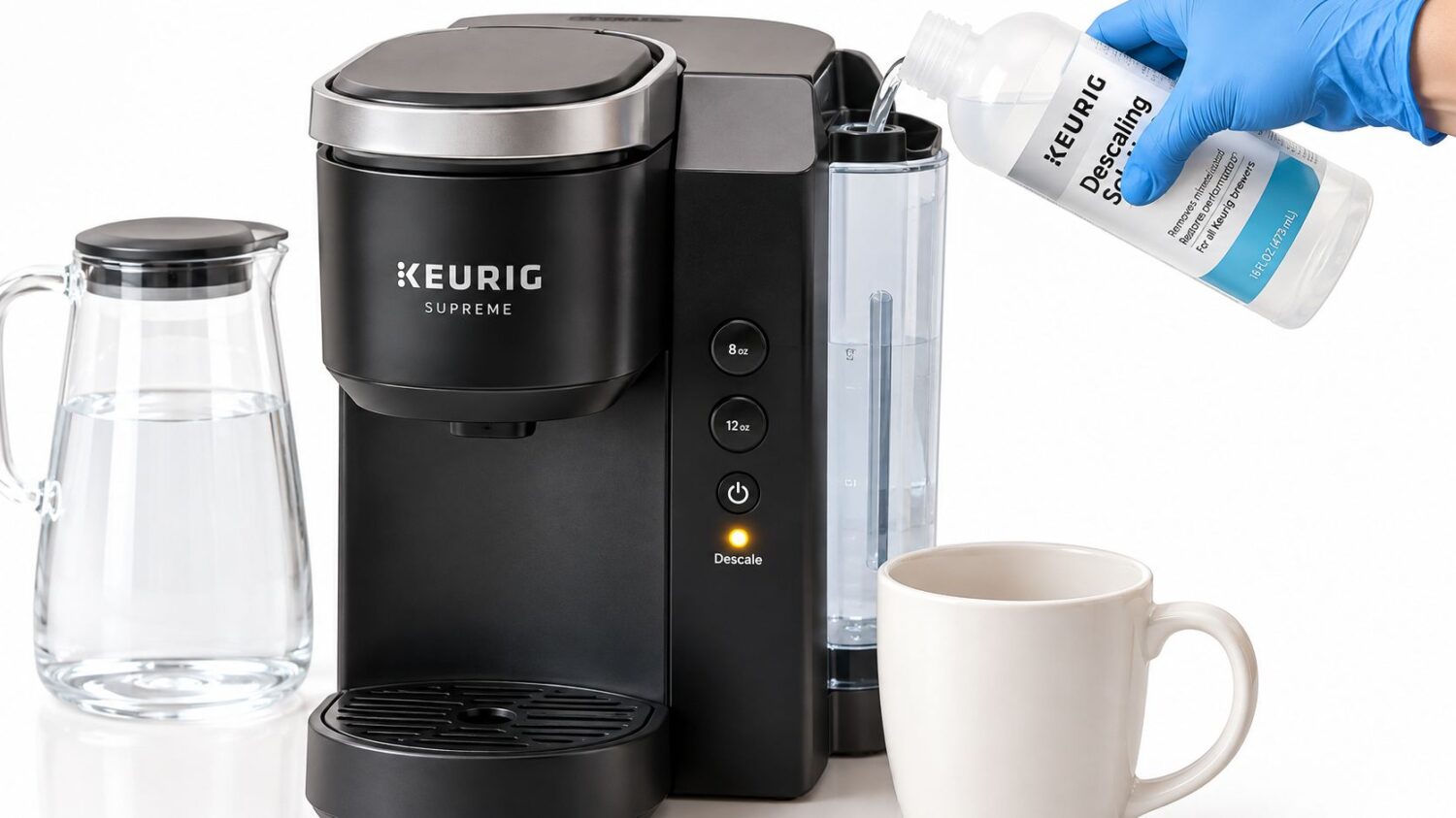
You've run descaler through your Keurig K-Supreme, emptied the reservoir, and expected the warning to disappear. Instead, the descale light is still blinking, and your morning coffee routine is no closer to normal. The common mistake is treating the button combination as a magic Keurig Supreme descale light reset. On the standard brewer, those buttons start Descale Mode. The light usually clears only after the machine completes both the solution stage and the programmed freshwater rinse described in the official K-Supreme Use & Care Guide.
Why the Descaling Warning Will Not Just Turn Off
The K-Supreme doesn't use the 8-ounce and 12-ounce buttons as a standalone light-off command. On the standard, non-SMART model, holding them together for 3 seconds starts the brewer's programmed descaling process. The notification is tied to completion of that process, not merely to liquid passing through the heater and brew path.
That distinction explains most failed resets. A user may pour solution into the tank, run ordinary water-only brews, or stop after the chemical flush. The machine can still show the warning because those actions don't necessarily complete the maintenance mode the control system is waiting for.
Practical rule: Enter Descale Mode first, then let the brewer finish the freshwater stage. Don't stop when the solution has left the reservoir.
The sequence has clear checkpoints. The brewer dispenses hot descaling solution until ADD WATER appears. You then empty and rinse the reservoir, refill it with fresh water to the MAX line, and run the rinse brews until the DESCALE notification turns off. Interrupting the cycle, underfilling the tank, or skipping the rinse can leave the indicator illuminated even though the machine has been cleaned.
The K-Supreme Gen 2 Quick Start and Care Guide also separates this physical-button workflow from the SMART interface. That matters because a reset combination that applies to a non-SMART brewer isn't a universal command for every K-Supreme variant.
Entering Descale Mode on Your Specific Model
Start by identifying the controls on the front of the brewer. A standard K-Supreme has physical size buttons, while the K-Supreme Plus SMART uses a screen and arrow controls. Mixing those procedures can waste time and may place the machine in the wrong operating state.
Standard K-Supreme with physical buttons
Use this sequence for the standard, non-SMART K-Supreme:
- Remove the K-Cup. Leave the pod holder empty so the machine can run the maintenance cycle without coffee.
- Fill the reservoir with the descaling solution specified for your cleaning process. Place a large mug under the outlet.
- Plug in the brewer, but power it off. The brewer must have power available while remaining switched off.
- Press and hold the 8-ounce and 12-ounce buttons together for 3 seconds.
- Watch for the flashing brew button. Press the flashing BREW button to start Descale Mode.
The button hold starts the mode. It doesn't independently clear the warning. Once the cycle begins, the brewer dispenses solution repeatedly until ADD WATER appears. Don't cancel the process because the reservoir looks empty or because liquid has already passed through the machine.
K-Supreme Plus SMART with a display
The SMART model uses a menu-driven workflow instead of the physical 8-ounce and 12-ounce combination. Press both arrow buttons simultaneously to open Settings, then select Descale Mode. The official K-Supreme SMART Use and Care Guide directs the brewer through its display workflow.
The SMART brewer uses the flashing BREW button to dispense 12 ounces at a time until the screen requests more water. Refill the reservoir to the MAX line with fresh water, then continue the freshwater rinses until DESCALE COMPLETE appears. Owners of a display-equipped machine should follow the screen rather than search for the physical-button reset used by the standard model.
The safety switch or thermal breaker is a separate component from the descale notification. Holding random button combinations won't repair a flow, heating, or electrical fault, so model identification should come before experimentation.
Executing the Flush and Freshwater Rinse Sequence
The chemical stage is only the first half of the job. Once you press the flashing BREW button on a standard K-Supreme, collect the dispensed solution in a large mug and discard it. Continue the brew step until the machine displays ADD WATER.
At that point, stop adding solution. Empty the reservoir completely, rinse it, and refill it with fresh water to the MAX line. Return the reservoir to the brewer so it seats properly, then continue the rinse brews.
Follow the machine's prompts
The brewer repeatedly dispenses water during the rinse stage. Continue until the descale notification turns off. The machine's reset condition depends on finishing this freshwater sequence, so a single rinse cup or a partial tank may not be enough to end the programmed process.
A useful way to avoid confusion is to treat the two stages as separate jobs:
- Solution stage: Run the descaler until ADD WATER appears.
- Reservoir change: Empty and rinse the tank before adding fresh water.
- Freshwater stage: Fill to MAX and repeat the rinse brews until DESCALE turns off.
- Final check: Confirm that the brewer exits Descale Mode before making coffee.
The light is not measuring how hard you tried to clean the machine. It is responding to whether the programmed cycle reached its completion point.
Don't place a K-Cup in the brewer during this process. Don't stop when the solution appears clear, and don't assume ordinary water-only brewing before entering Descale Mode will satisfy the reset condition. For a visual walkthrough of the complete process, use this K-Supreme descaling guide, then match every step to the controls on your machine.
If the light remains on, first ask whether the freshwater stage ran to completion. In practice, an interrupted rinse is a more useful first diagnosis than another undocumented button combination.
Premium Descalers Versus Generic White Vinegar
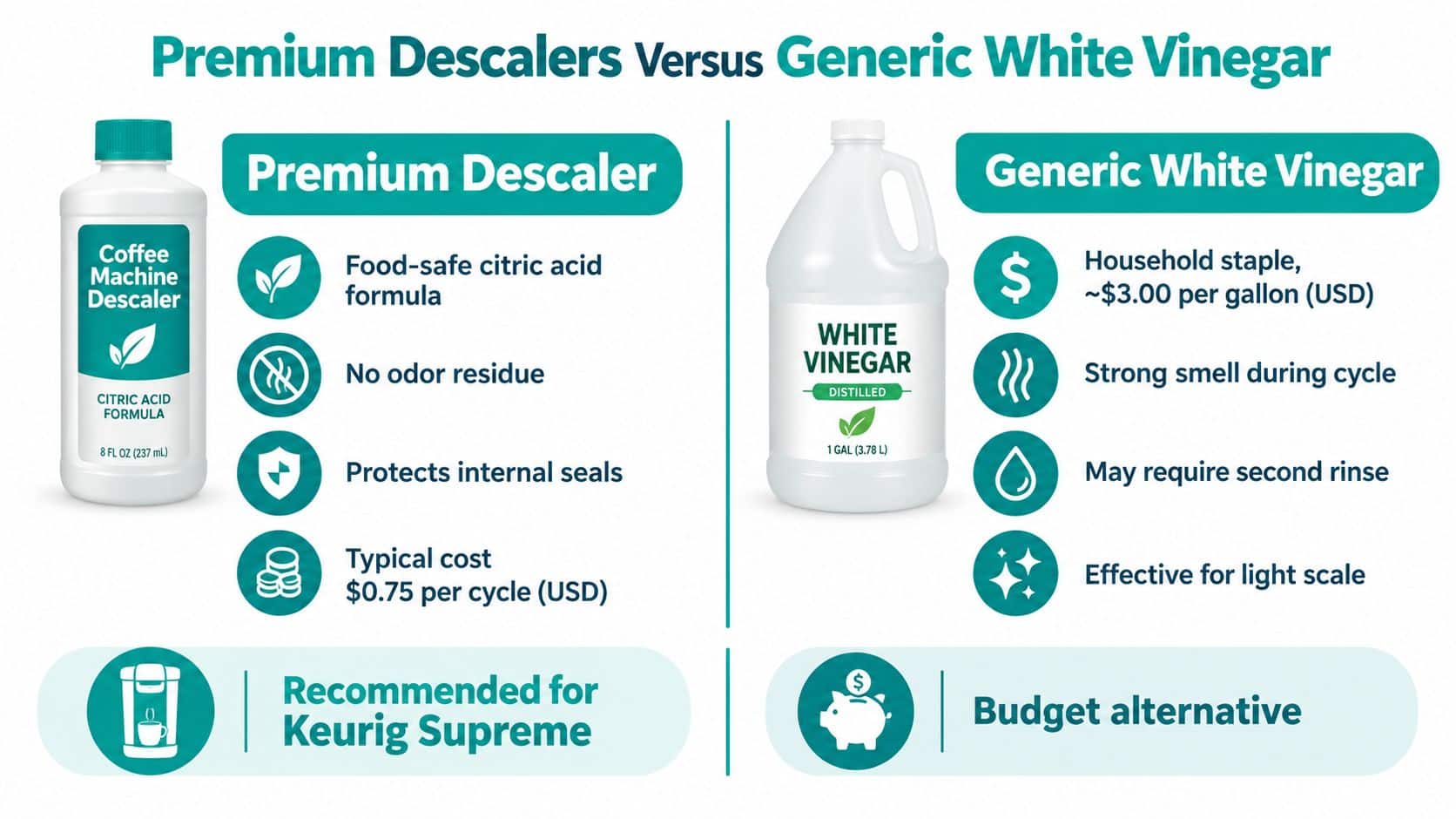
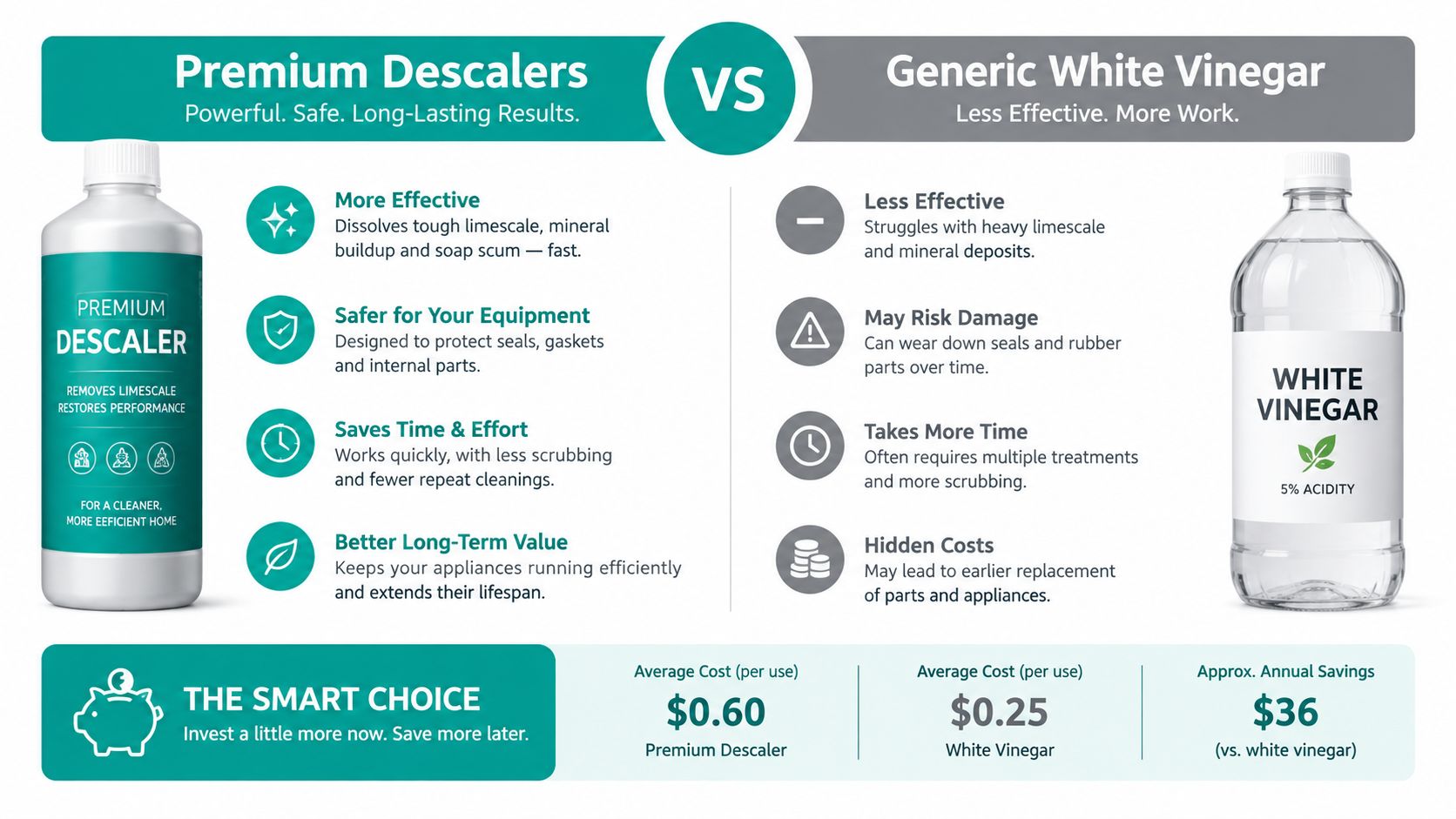
Commercial descaling solution and generic white vinegar can look interchangeable because both are acidic liquids placed in the reservoir. They aren't identical maintenance choices. A purpose-made product is formulated for appliance descaling, while vinegar is a household alternative that can produce a stronger smell and may require more rinsing before the brewer is pleasant to use again.
The practical objection is cost versus convenience. Vinegar is already in many kitchens, but a product designed for coffee equipment gives you clearer dosing instructions and a cleaning agent intended for the materials and residue found in a brewer. The manufacturer's guide should remain the authority for compatible products and the full process.
Descaling Agent Comparison
| Feature | Premium Descaling Solution | Generic White Vinegar |
|---|---|---|
| Intended use | Formulated for appliance maintenance | General household cleaning liquid |
| Odor | Typically designed to rinse cleanly | Strong vinegar smell during use |
| Rinsing | Follow the product and brewer instructions | May need careful additional rinsing for taste and odor |
| Compatibility | Check the label and Keurig guidance | Don't assume every formulation is approved |
| Best fit | Owners prioritizing a purpose-made maintenance product | Owners choosing a readily available household alternative |
Vinegar's availability doesn't make it a universal reset solution. Neither vinegar nor premium descaler will clear the notification if you bypass Descale Mode or stop before the freshwater sequence finishes. The maintenance liquid addresses mineral deposits, while the programmed cycle determines when the indicator can turn off.
For broader context on using citric acid in household cleaning, this guide to how to remove tough stains explains why acidic cleaners are often selected for mineral and residue problems. For ingredient considerations specific to coffee equipment, see this Keurig descaling solution ingredients guide. Whatever product you choose, complete the rinse stage thoroughly before brewing coffee.
Troubleshooting a Stubborn Descaling Indicator
A persistent light doesn't automatically mean the brewer is ruined. It usually means you need to separate an incomplete cycle from a possible hardware problem.
Begin with the simplest decision path:
- Confirm the model. A standard K-Supreme uses the physical 8-ounce and 12-ounce hold, while the SMART model uses Settings and Descale Mode on its display.
- Check the cycle state. If the machine stopped before ADD WATER, the solution phase wasn't complete. If you never refilled to MAX and ran the rinse brews, the freshwater phase wasn't complete.
- Seat the reservoir. Remove it, check that it is properly positioned, refill it with fresh water to MAX, and run the required rinse sequence.
- Test normal operation. After the brewer exits Descale Mode, check whether it brews normally and whether it dispenses the expected amount without leaking or showing another warning.
Stop troubleshooting when the evidence changes. A completed cycle followed by persistent illumination deserves support, not endless acid treatment.
Reports of different button combinations, including 8-ounce plus 10-ounce and 8-ounce plus 12-ounce pairings, reinforce why generic reset advice can mislead owners. The documented 8-ounce plus 12-ounce sequence applies to the non-SMART K-Supreme workflow. SMART owners should use the screen, and owners of another K-Supreme variant should verify the model's guide before pressing combinations.
If the descale notification remains after two complete rinse attempts, don't keep forcing undocumented resets or repeatedly adding descaler. At that stage, a flow restriction, pump issue, sensor problem, or control fault becomes more plausible than a simple unfinished rinse. Contact Keurig support with the model details and describe the completed chemical and freshwater stages. For a workplace brewer, that boundary also prevents wasted water and unnecessary downtime.
Preventing Future Mineral Buildup and Maintenance
Keurig's official K-Supreme guide recommends descaling every 3 months, or whenever the descale notification illuminates. Use that interval as a maintenance baseline for a home or small office, while treating the warning as an additional trigger when the brewer's conditions call for earlier service.
Water filtration can make daily maintenance more manageable, but it doesn't replace descaling. A compatible charcoal filter helps condition the water entering the reservoir, while the scheduled descale cycle addresses deposits that have already formed inside the brewer. Check the fit for your exact K-Supreme model before buying, and use this K-Supreme water filter guide to compare compatible options.
Reusable K-Cups address a different concern. They let you control the ground coffee you use and can reduce reliance on disposable pods, but they don't prevent mineral buildup in the water path. Keep pod maintenance and water maintenance separate, and clean each according to its purpose.
A simple routine works well:
- Track the interval: Mark the next scheduled descale on a household or office calendar.
- Use fresh water: Refill the reservoir regularly rather than leaving old water sitting indefinitely.
- Rinse after descaling: Complete the programmed freshwater stage before brewing coffee.
- Keep accessories compatible: Match filters, reusable pods, and cleaning products to the brewer model.
- Learn the basics: This Cumbre Coffee brewing guide offers useful general guidance for operating coffee machines correctly.
PureHQ Inc. offers reusable K-Cups, compatible water filters, and universal descaling solutions for coffee machine maintenance. Those accessories can support a routine that combines cleaner water, controlled coffee preparation, and timely descaling.
PureHQ Inc. provides coffee machine accessories including Keurig-compatible water filters, reusable K-Cups, descaling solutions, and cleaning tablets. Visit PureHQ Inc. to choose maintenance supplies that fit your brewing setup and keep the next Keurig Supreme descale cycle straightforward.

