
Coffee Machine Care
EZ Cups Filter Guide: Fit, Brewing and Troubleshooting
Nov
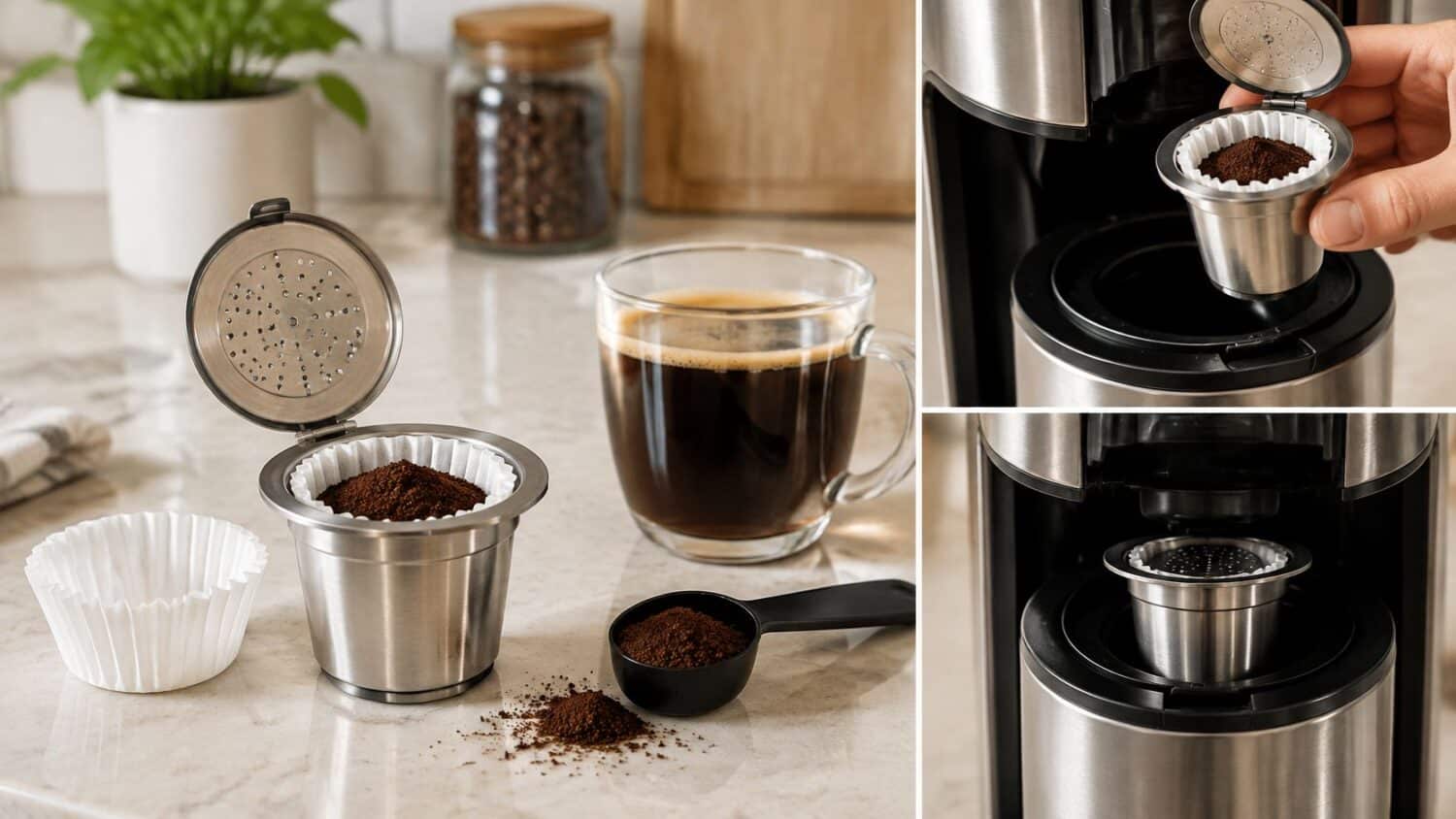
Single-serve pods can add to landfill waste. A refillable pod avoids discarding an entire capsule after each cup, but appearance alone won't confirm compatibility. Check the brewer model before buying: a poorly fitting pod may not seat correctly, the handle may fail to close, or coffee may leak around the holder.
What an EZ Cups Filter Is and Why Fit Matters
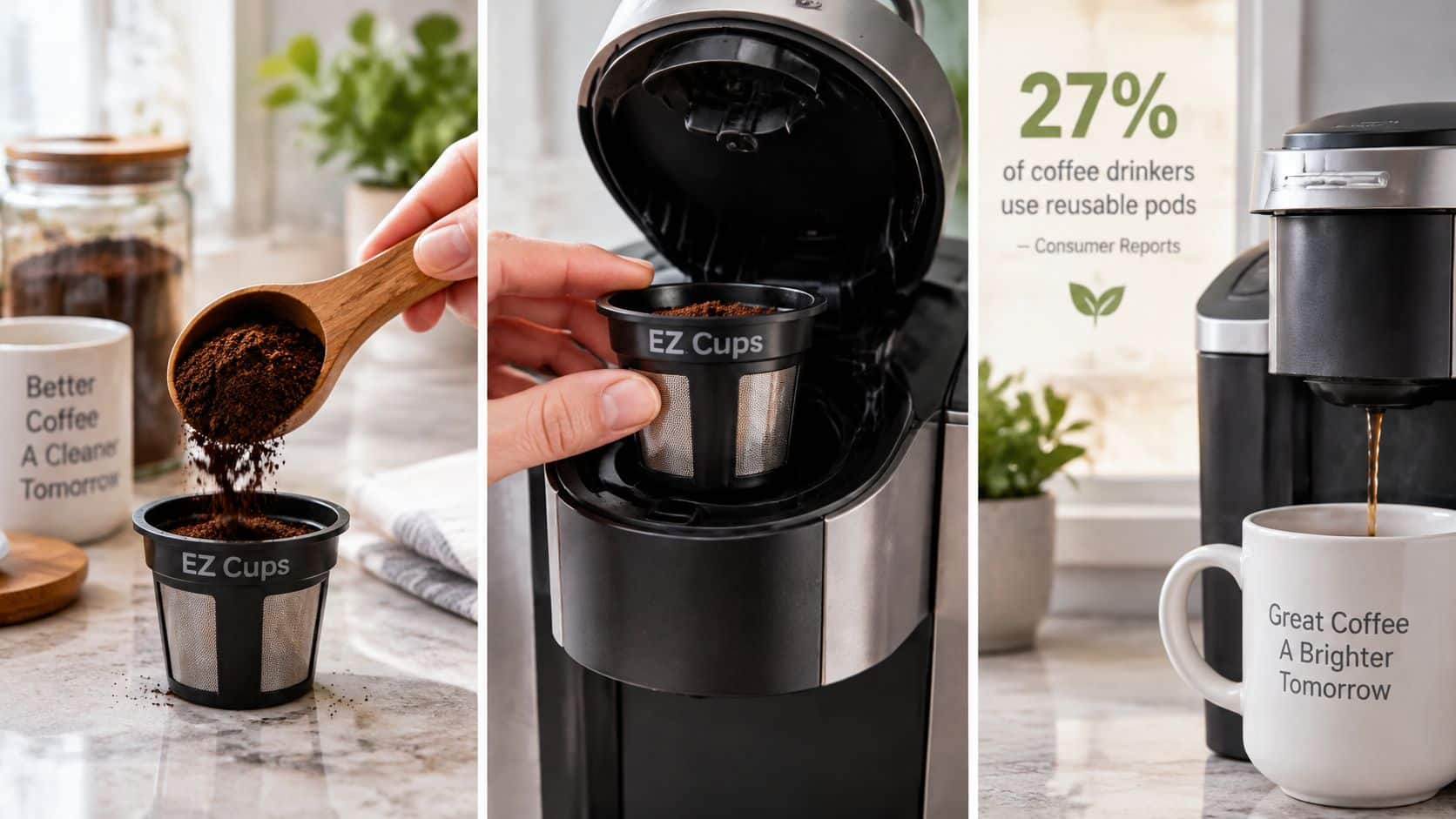
In 2023, 27% of U.S. coffee drinkers used a single-serve coffee machine to prepare coffee on a given day, according to Consumer Reports, citing the National Coffee Association and Statista. For someone who already owns a compatible machine, switching to ground coffee doesn't necessarily require another brewer. It requires the right refillable pod and a workable loading routine.
An EZ Cups filter can refer to the reusable pod assembly or the disposable paper insert used inside it. That distinction matters when shopping: replacement liners aren't complete brewing pods, and a metal pod doesn't automatically include an ongoing supply of liners.
Understand what you're buying
The stainless-steel EZ-Cup combines a reusable metal body, a disposable paper liner, and a self-tamping spring, as described in Target's Perfect Pod EZ-Cup listing. The shell supports the coffee bed, the spring compresses it during assembly, and the paper provides the fine-particle barrier. The listing describes the construction, but it doesn't establish laboratory-tested extraction performance.
Say you buy replacement paper filters because the package resembles the capsules beside your machine. Without the matching reusable holder, you haven't bought a complete brewing system. Conversely, buying a pod that looks the right width doesn't establish that its lid and outlet match your brewer.
Purchase rule: Identify the reusable holder, its required liner, and the exact brewer model before treating them as a compatible set.
A pod filter also isn't the brewer's internal water filter. Keep those purchases separate: one holds ground coffee during brewing; the other belongs to the machine's water-treatment arrangement.
The useful questions are specific: Will the holder seat correctly? Can its lid close without interference? Which liner does it take? Confirm your brewer model before buying anything, then assess loading, cleanup, and cup style.
Which Keurig and Ninja Models Accept an EZ Cups Filter
Flush seating and correct exit-needle alignment matter more than basket diameter. Keurig's My K-Cup quick-start guide makes proper positioning central to installation and excludes Keurig 2.0 brewers from the current universal filter's compatibility. A universal label isn't permission to force an unfamiliar pod into the holder.
Keep an important distinction in mind: Keurig's compatibility statements describe its My K-Cup filter, not every EZ Cups-style alternative. Use the official guidance to identify restrictions, then require the third-party product listing to name your particular machine.
Brewer fit check for reusable EZ Cups style filters
| Brewer family | Filter fit | Check before buying |
|---|---|---|
| Keurig Classic Series | Fits with arrows aligned for the specified My K-Cup installation | Match the lid arrow to the brewer arrow before lowering the handle |
| Keurig K-2.0 models | Excluded from the current universal My K-Cup filter | Check Keurig's compatibility list for your exact model |
| Keurig K-Supreme Plus | Only the newly designed My K-Cup Universal filter under Keurig's guidance | Don't use an older or different reusable filter; it may damage the brewer |
| Keurig K-Duo and K-Slim | Covered by listed My K-Cup families, including listed Essentials and Plus versions | Confirm the version printed on the brewer |
| Ninja DualBrew | Unconfirmed for EZ Cups filters across every model | Confirm the pod filter's listed compatibility with your exact model |
Keurig's official My K-Cup support page names the K-Express, K-Compact, K-Select, K-Café, K-Latte, K-Elite, K-Duo, K-Slim, K-Mini, and K-Supreme families, including their listed Essentials, Plus, Special Edition, and Smart versions. It states that the filter supports the particular brewer's available sizes, ranging from 4 to 12 ounces, and warns that the Supreme Plus K-S requires the newly designed filter because another version may damage the machine.
That list doesn't establish Ninja compatibility. Compatibility documentation does not confirm an EZ Cups filter for every Ninja DualBrew model. Read the replacement pod's listing and Ninja's documentation for the exact model before ordering.
Verify the model before checkout
- Find the model identifier. Read the brewer's identification label rather than relying on its appearance or the name used in an old order.
- Match the complete family and version. Don't drop words such as Plus, Essentials, or Smart when comparing compatibility.
- Confirm the filter generation. Check the lid design, installation requirements, and any adapter instructions stated for that product.
Use the reusable K-Cup model-matching guide to organize that check. If the seller names only Keurig without naming models, don't treat the omission as confirmation.
Load, Brew and Fix Common Faults
Start with a clean, correctly assembled pod and a medium grind. Keep the coffee, dose, and brew setting consistent while you establish a baseline. Changing everything together makes a weak or overflowing brew harder to diagnose.
Keurig's official reusable-filter instructions specify ground coffee, secure lid closure, placement in the pod holder, and selection of a supported brew size. For Classic Series installation, the filter-lid arrow must align with the brewer arrow before lowering the handle. Apply those directions to the specified My K-Cup assembly, and follow the EZ Cups holder's own instructions when its construction differs.
Load without restricting the water path
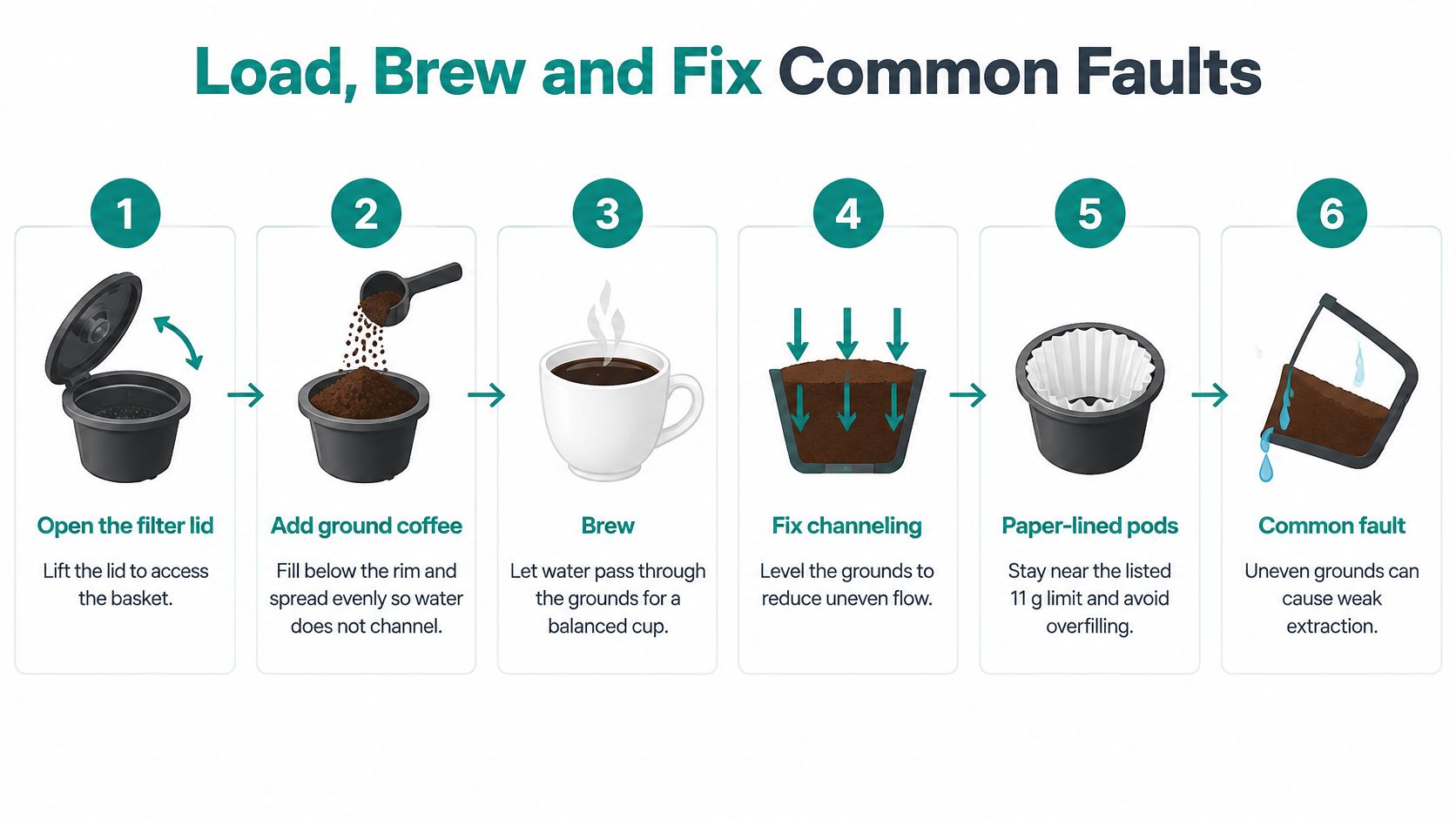
- Open and inspect the filter. Remove old grounds and check the liner for tears. Seat a fresh liner inside a paper-lined holder without folding loose paper across the closing surface.
- Add ground coffee below the rim. Spread the grounds evenly and leave room for the lid to close. Use the product's stated capacity as a ceiling, not a reason to squeeze in another spoonful.
- Close the assembly securely. Brush stray grounds off the rim and check that the liner hasn't become trapped awkwardly. Don't add aggressive hand tamping to a spring-loaded design.
- Seat the holder in its specified orientation. Check alignment before lowering the brewer handle. Stop if the handle meets unusual resistance.
- Select a supported brew size. Brew into a clear mug when troubleshooting so you can inspect sediment and compare output. Let the pod cool before removing it.
The loading sequence and common extraction problems are illustrated below.
Symptoms, causes and fixes for EZ Cups filters
Treat these causes as a diagnostic starting point, not a definitive diagnosis. A descale indicator is different from an unrelated error code, and a leak that persists with a correctly fitted pod needs more investigation.
| Symptom | Likely cause | Fix |
|---|---|---|
| Coffee leaks from the top of the brewer | Clogged needle or misaligned gasket | Clean the needle according to the manual and check the seal, then descale if indicated and the leak continues |
| Grounds in the cup | Dirty exit needle or torn paper liner | Clean the needle and replace the liner |
| Weak or watery coffee | Under-dosed basket, coarse grind, or mineral buildup | Use the listed dose and a medium grind, then descale on schedule |
| Slow drip or overflow | Overfilled basket or grind too fine | Fill below the rim and switch to a medium grind |
| Error message or descale light | Mineral buildup when the indicator or manual identifies a scale problem | Run a descaling cycle with the manufacturer's solution; check other error messages against the manual |
Change the cheapest, most reversible variable first. For slow flow, empty and reload the basket before buying another filter. For sediment, inspect the liner before adjusting the grinder.
A loading correction can be evaluated on the next brew. Descaling requires the complete treatment and rinse sequence specified by the brewer manufacturer, so don't judge that fix halfway through the cycle.
Don't use extra force to turn a seating problem into a closed handle. Remove the pod and inspect the interference.
Unplug and cool the brewer before working around its needles, and use the manufacturer's cleaning method rather than probing blindly. If the fault returns after otherwise normal brews, recheck the exact pod-to-brewer match instead of repeatedly changing the dose.
The reusable K-Cup brewing tips offer additional loading adjustments. Keep a simple note of the coffee, grind, and setting that worked so the next cup starts from a repeatable baseline.
Cleaning Routine That Keeps Pods and Liners Working
Separate pod cleaning, liner replacement, and brewer descaling. They address different parts of the system. A fresh liner doesn't clean the holder, and washing the holder doesn't complete the machine's descaling cycle.
After each brew
Let the assembly cool, remove the used liner and grounds, and rinse the reusable body under warm water. Inspect the rim, outlet, and lid before setting the parts aside to dry. Don't leave a compacted coffee bed inside the pod until the next morning.
Use disposable liners for their intended single-use purpose. If paper sticks to the holder, loosen it gently rather than scraping the pod with a sharp utensil. Check the outlet for any fragments before reassembling.
- Metal body: Rinse away visible grounds and inspect openings.
- Lid and spring: Remove trapped coffee from accessible areas without bending the mechanism.
- Paper liner: Discard after use and replace before loading again.
- Storage area: Keep clean parts dry and separate from used filters.
Give the holder a regular wash
As a practical household routine, wash the pod with mild dish soap during your weekly cleaning, or sooner if residue remains after rinsing. Use a soft brush for accessible crevices, rinse thoroughly, and let the parts dry completely before storage. Wipe the accessible brewer needle area only after unplugging and cooling the machine.
Keurig's official documentation identifies its own My K-Cup filter as BPA-free and top-rack dishwasher-safe. That permission doesn't automatically extend to an EZ Cups-style pod, its spring, or another manufacturer's lid. Check the actual holder's care instructions before putting the assembly in a dishwasher.
Maintenance boundary: Dishwasher-safe describes a particular product, not every reusable pod that fits the same brewer.
Descale according to the brewer manual
Use the interval and solution specified for your machine rather than adopting a generic calendar. Follow the descale indicator where applicable, and complete every required rinse before making coffee. If the manual adjusts maintenance for water hardness, use that guidance to set your reminder.
Keep a suitable descaler alongside your cleaning brush and spare liners so routine maintenance doesn't depend on a last-minute purchase. Select any replacement water filter by the brewer's model, not by the reusable coffee pod's dimensions.
For disposal, check whether your local composting service accepts both used grounds and the particular paper liner. A compostable description isn't a guarantee of local collection acceptance. If the liner is torn, replace it before the next brew.
Stainless Steel Pods Compared With Plastic and Mesh Filters
A reusable filter's material matters, but brewer fit comes first. A stainless-steel pod that does not seat or close correctly is a poor choice, even if its construction suits your coffee preferences. Compare the holder's stated model compatibility before weighing cup clarity, cleanup, and the ongoing cost of paper liners.
The EZ-Cup paper-filter retail listing specifies a capacity of up to 11 g, burst-resistant paper, and a fitted lid. These are listed product specifications, not independent measurements of extraction, pressure, or particle retention. Check that the liner is intended for your particular holder before relying on its capacity.
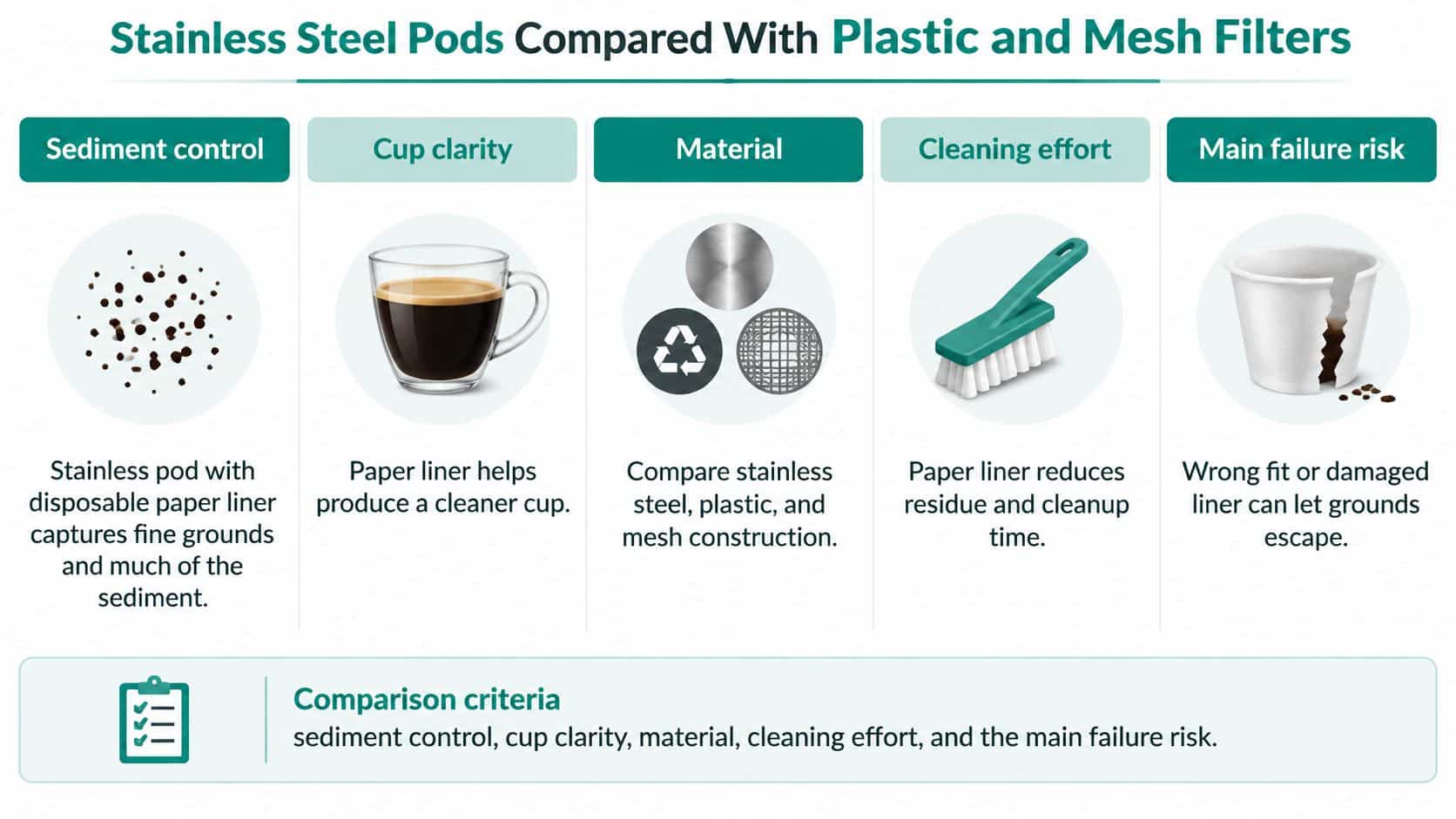
EZ Cups style pod compared with plastic and mesh filters
| Feature | Stainless pod with paper liner | Mesh basket filter |
|---|---|---|
| Body material | Stainless steel | Metal mesh |
| Fine-particle barrier | Disposable paper liner | Mesh only |
| Listed capacity | Follow the liner and holder's stated maximum | Follow the basket's marked fill line or stated maximum |
| Cleaning effort | Replace liner and rinse pod | Rinse and brush out fines |
| Main risk | Torn liner or overfill | Grounds and sediment in the cup |
Paper liners retain suspended grounds and a substantial portion of coffee oils, generally producing a cleaner, lighter-bodied cup. An unlined mesh basket lets more fine particles and oils pass through, giving the coffee fuller body while allowing some sediment. Neither style guarantees a preferred taste; the trade-off is cup clarity versus body, alongside the extra step of replacing a liner.
Plastic-bodied alternatives need product-specific documentation for material or heat-safety comparisons. A BPA-free statement alone would not establish compatibility, service life, or better flavor. The stainless-steel versus plastic reusable K-Cup guide offers material-selection context, but the product's stated specifications and brewer compatibility should guide the purchase.
Address the objections before paying more
Leaks: A metal shell does not by itself prevent leaks. Check that the pod is seated, the closure is secure, the seal is in place, and the fill is appropriate before replacing the holder. There is no controlled failure-rate evidence here to identify one universal cause.
Fit: A basket may appear to fit while its lid or outlet interferes with the brewer. Confirm the exact model compatibility, then check that the holder closes and sits as its instructions specify. A premium price does not make a poorly matched holder a better choice.
Durability: The shell is reusable; the paper liner is a consumable. Inspect the spring, closure, and seating surfaces rather than assuming stainless steel makes every component immune to damage.
Choose a lined stainless pod if clearer coffee and easy removal of spent grounds matter most. Choose an unlined mesh basket if you prefer fuller body and want to avoid paper inserts. In both cases, verify the brewer fit before deciding which material suits your routine.
Confirm Your Brewer, Then Shop Replacement Paper Filters
Choose the compatible holder first, then buy replacement paper filters for that holder. A liner purchase should complete a brewing setup you've already verified, not become a guess about whether an unfamiliar pod will work.
Before ordering, write down the brewer model and the reusable holder's product name. Compare the replacement liner's shape and closure arrangement with that holder's instructions. Don't assume that every small paper coffee filter is interchangeable.
Buy for the complete brewing setup
Our Disposable Paper Filters for Reusable K-Cups come in a 100-pack priced at $12.95 and are offered for Keurig and Ninja DualBrew coffee makers. For Keurig, limit your selection to the named brewer families and restrictions in the compatibility table, and confirm that the reusable holder accepts these liners; for Ninja DualBrew, confirm your exact model on the product listing before buying. Our Keurig & Breville Descaling and Cleaning Tablets come in a 24-count pack and include 6 compatible water filters, providing a separate maintenance purchase to match against your machine's requirements.
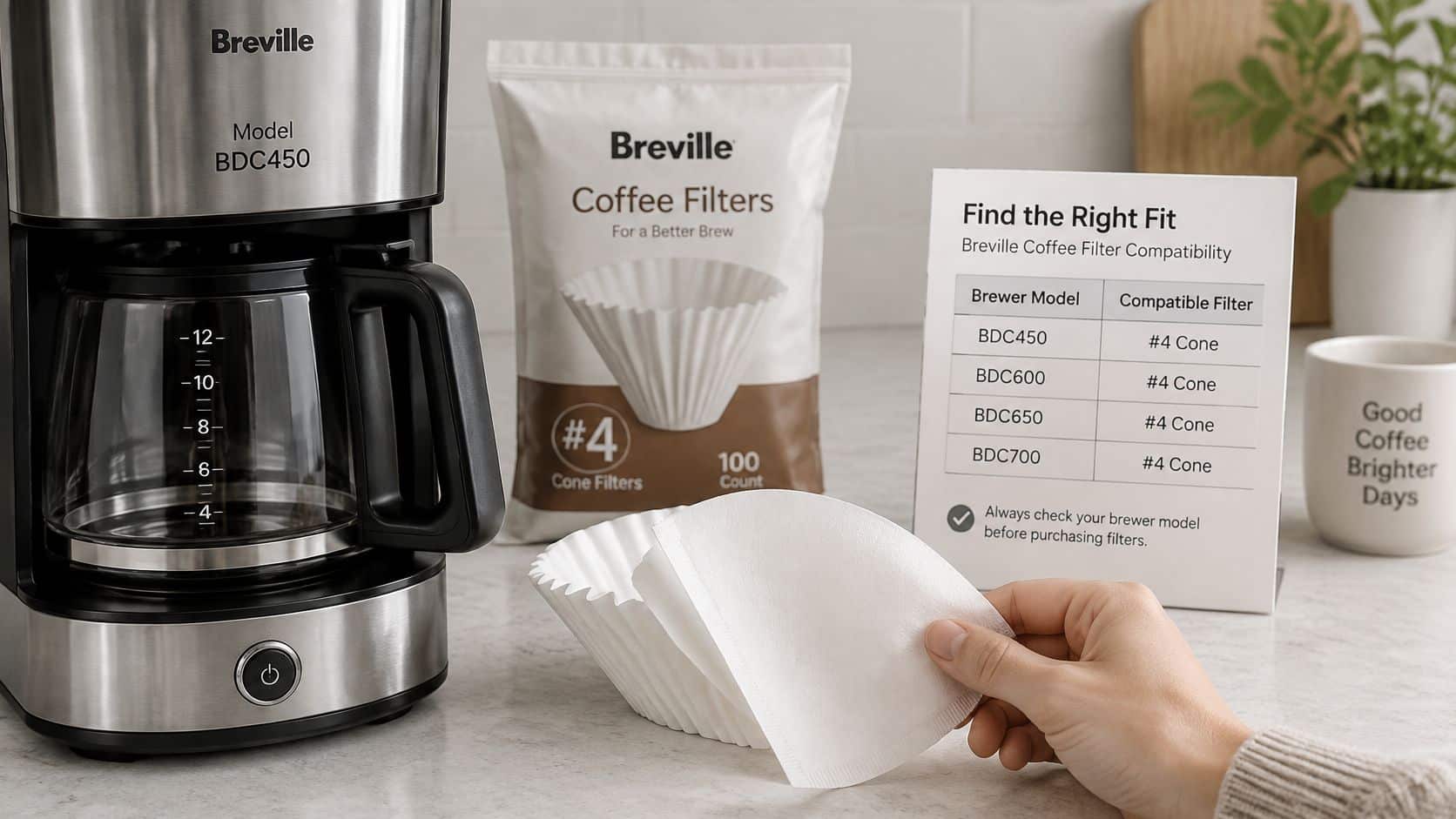
A supply of replacement liners lets you use a fresh insert without interrupting the morning routine to reorder. Keep the package dry and accessible, and store it away from the used-ground container.
- Confirm the brewer: Match the full model name, including its version.
- Confirm the holder: Check that it's intended to take disposable paper inserts.
- Confirm the replacement: Select the liner format specified for that reusable pod.
Don't substitute a paper-liner fit claim for approval of the entire pod assembly. For a restricted brewer such as the K-Supreme Plus, the brewer manufacturer's reusable-filter requirements remain the deciding condition.
Shop only after those checks agree. The right purchase is a replacement filter you can load correctly into a holder your brewer accepts.
PureHQ Inc. offers reusable coffee pods, replacement paper liners, water filters, and descaling supplies for compatible coffee machines. Visit PureHQ Inc. to shop the Disposable Paper Filters for Reusable K-Cups 100-pack before your next brew, and confirm your brewer model and holder compatibility before checkout.

